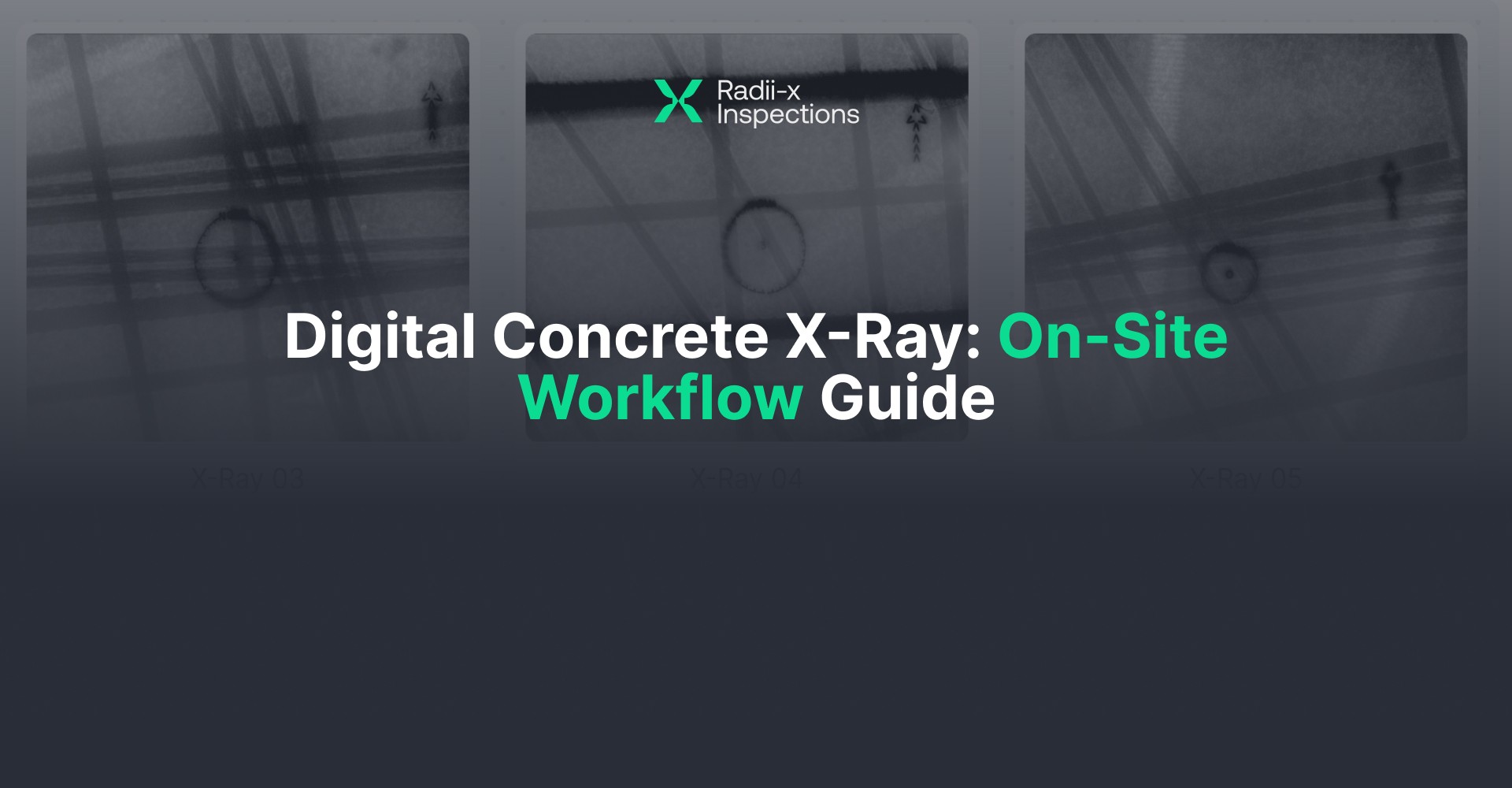
How to Run X-Ray on a Live Jobsite During Business Hours
Operational guidance for coring and scanning companies. Not legal advice. Follow your Radiation Protection Program and local regulations.
Why This Guide Exists
Most companies in the coring and scanning industry associate concrete xray with the old film-radiography model: large exclusion zones, after-hours access, slow turnaround, and heavy logistics. That perception is outdated. At Radii-x Inspection, we would like to share the right knowledge about that.
Digital Concrete X-Ray is a fundamentally different operation. Radiation exists only during brief exposure windows. The rest of the time—often the majority of the day—the crew is staging, locating, aligning, reviewing images, and marking out with no exposure taking place. There is no film to develop, no waiting for results, and no guessing about what is inside the slab.
Despite these advantages, most companies do not understand how the digital workflow actually runs on site. That misunderstanding makes building owners hesitant and leads some teams to assume xray will be “too disruptive” before they have ever seen a modern setup in the field.
This guide walks through exactly what the workflow looks like on a live jobsite—from arrival to markout and reporting—so you can evaluate whether it fits your operations.
How Digital X-Ray Differs from Legacy Radiography
Three things separate the digital workflow from the traditional model:
Short exposure windows. The controlled area is active for roughly 2–3 minutes per shot. Between exposures, the area reopens immediately. The site experiences short pauses, not a shutdown. This is the single biggest difference from legacy radiography, where the exclusion zone could last much longer and affect a much larger area.
Manageable controlled areas. Plan for approximately 45 ft radius on the bottom side (source side) and up to 15 ft on the top side during exposure. On thicker slabs (~14 in), the top-side distance can drop to 5–10 ft depending on density and conditions. A survey meter confirms the actual requirement on site—you verify, you do not guess.
Instant digital images. There is no film to process. The image appears on the laptop within seconds, allowing immediate review, measurement, and decision-making while still on location. If the shot is unclear or the location needs to change, the crew knows right away and can act without delay.
A typical per-location cycle—locate, align, shoot, analyze, move—takes roughly 15 minutes. In optimal layouts (closely spaced points, experienced crew), individual shots can be completed in as little as 30 seconds. One documented example: 76 shots in approximately 2 hours. That kind of throughput comes from workflow discipline and site conditions, not from rushing.
In short: Digital Concrete X-Ray is different because exposures are brief, controlled areas are manageable when planned correctly, and speed comes from workflow—not from shortcuts.
Explore the differences between gamma rays and X-rays, and the mistakes to avoid in this article.
What You Need on Site
Crew
Two-person team (mandatory for compliance, read about the regulations here). One operator on the top side manages the panel positioning, laptop capture, and immediate image review. One operator/assistant on the bottom side handles source placement, underside control-zone coordination during exposures, and the start/stop exposure sequence. This division is not optional—it is how the system operates on real job sites.
Equipment
X-Ray source + control unit: The source produces the beam during the exposure window. It is positioned on the underside of the slab and aimed up through the target area. Consistent placement and alignment to the target matters because geometry affects accuracy.
Digital detector/panel: The panel sits on the top side of the slab and captures what passes through during exposure, converting it into a digital image visible immediately on the laptop. This is why the workflow is different from film—you see the image right now, while you are still on the job.
Laptop with capture and measurement software: The laptop is not just a viewing screen. It is where you capture the shot, review it instantly, measure distances, and annotate. Consistent capture, naming, and measurement makes the markout faster and reduces mistakes.
Transpointer: A locating tool that helps match the requested hole point on the top side to the correct setup point on the underside. It reduces rework and prevents alignment errors that slow down the shooting stage.
Site Requirements
Both-side slab access (mandatory). Digital X-Ray is source-under, panel-over. That is the physics of the method. No underside access means no standard Digital X-Ray workflow. This is a requirement, not a preference.
Practical slab thickness: up to ~14 in. 15–16 in may be workable depending on density, underside clearance, and setup geometry. Distance to ceiling, congestion, and access conditions all play a role.
The Three-Phase Workflow
Every efficient Digital X-Ray job follows three stages: Preparation, Shooting, and Post-Processing. This structure is what keeps the process compatible with active construction. You do not improvise. You set the job up properly, run a repeatable shooting flow, then finish with markout and proof.
Phase 1: Preparation (15 min to 1 hour)
Preparation determines whether the rest of the job runs smoothly or turns into wasted shots, standby time, and frustration. Duration depends on the number of shots and site conditions. Some sites are wide open. Others require clearing space, moving obstacles, planning traffic control, and figuring out underside access before work can begin.
Step 1: Meet the superintendent and define scope
Go directly to the person running the floor. The first conversation is not about radiation—it is about scope and decision rules. Establish clear answers to these questions before anything else:
What work is being done—cores, sleeves, trenching, anchors, verification?
What hole sizes are required, and are there any no-cut policies (e.g., no bottom rebar cutting)?
What are the priorities—PT, conduit, rebar, or all of the above?
If a spot is too congested, can the hole be relocated—and within what range? Sometimes relocation is inches; sometimes it is feet, especially for plumbing or sink routing where there is flexibility.
What is the underside access situation—what space are we working in below?
This conversation is what turns “we need an xray” into an actual plan.
Step 2: Confirm slab thickness
Verify this early. If the superintendent is unsure or it feels like guesswork, measure before you invest time staging a full operation. At the edge of practical thickness, a bad assumption costs an entire setup cycle. Density and underside access also matter—a slab that is technically within range but has poor access or awkward geometry can still result in a slow day.
Step 3: Start source warm-up and locate points (~30 min warm-up)
Once you have confirmed the job is workable and you know your target areas, set up the source and begin warm-up. Warm-up takes about 30 minutes. This is where experienced crews gain speed—they use that time to do the locating work that makes shooting efficient:
Place the transpointer on the top side at each target hole center.
Use the second transpointer on the bottom side to find and mark the matching alignment point for source positioning.
Note: During warm-up, you do not need to run the same controlled/exclusion area as during exposure. The system is not in exposure mode during this period. Warm-up is preparation time, not shooting time.
Step 4: Clear obstructions and plan the control zone
Remove anything on the underside that blocks a clean shot. If materials are stacked in the target area, they may need to be moved. If foot traffic crosses the planned controlled area, work out how to close it for 2–3 minutes without people walking through mid-exposure. This is often why preparation takes closer to an hour—clearing the path is what makes the rest of the job fast.
Outcome of good preparation: scope and rules are defined, points are located, feasibility is verified, and the site is set up so shooting runs like production—not improvisation.
Phase 2: Shooting (Repeatable Per-Location Cycle)
Once warm-up is complete and points are located, shooting becomes a straightforward repeating sequence. This is where the job feels fast—because the hard thinking and clearing has already happened in preparation.
Step 1: Align source and panel
The bottom-side operator positions the source under the target. Most sources include a laser reference for centering. In many real-world conditions, the source is positioned around 4 ft from the underside/ceiling as space allows. The top-side operator places the panel directly above the target, centered on the intended hole location. This is why the locating work in preparation matters—if the target center is wrong, everything is wrong.
Why alignment matters: the source produces the beam during exposure; the panel captures what comes through and converts it into an image. If the source and panel are not centered to the same point, the image and the real-world layout will not match accurately.
Step 2: Coordinate the pause and expose
Notify anyone in the controlled area with simple, jobsite-appropriate language: “We’re going to shoot. Two to three minutes, then we reopen.”
Close the controlled area. The assistant initiates exposure at the source side; the top-side operator triggers capture on the laptop. After the shot, the assistant stops exposure and the image appears on screen immediately.
Step 3: Review, decide, move
This is where Digital X-Ray saves time: you do not guess and you do not wait. Review the image right away. If clearance is sufficient for the requested hole size—whether 3 in, 4 in, or 5 in—confirm using the measurement tools and move to the next point. If the location is not workable, apply the relocation rules established in preparation: re-shoot for a better view, or move to the next acceptable location.
Then repeat: align, pause, shoot, review, decide, move.
Phase 3: Post-Processing
Post-processing begins immediately after shooting, while the crew is still on site. Digital X-Ray is powerful because you can go from image to markout without printing—you see it, you measure it, you mark it.
Step 1: Measure and mark
Open each image on the laptop. Measure from the center point to each relevant object inside the slab—rebar, conduit, PT cable, and anything else that matters for that hole. Then go to the exact location on the slab with a tape measure and transfer those measurements in the real world right away.
Mark with whatever the crew uses—paint marker, chalk, crayon, spray paint. What matters is that the markout is precise and consistent. The best images in the world do not matter if the markout is off.
Tip: Pack the shooting hardware first. For the marking phase, you only need the laptop, tape measure, a level (optional), and your marking tool. Packing first keeps the floor cleaner and lets the team shift into markout mode without dragging the full system around.
Step 2: Photograph each markout
Take a site photo of every marked location. The report should pair the xray image with the corresponding site photo as side-by-side proof. The purpose of the report is not “trust me, I’m experienced.” The purpose is documented evidence: measure and mark.
Step 3: Generate the report
This can happen on site or back at the office. Many teams prefer generating final reports in a quieter environment. A clean workflow:
Press generate in the software to organize and push xray images into the report workspace.
Attach the site photos from your phone for each location.
Add short notes (voice-to-text can be a huge time saver): what was found, what was marked, what the colors mean.
The office manager receives the report, cleans up presentation if needed, downloads it, and sends it to the client. Fast, consistent, and professional. Watch the video tutorial about Report Generation in our tutorial: Watch video (click)
Frequently Asked Questions
Do we need two people?
Yes. Digital Concrete X-Ray is a 2-person operation by design: one operator on the top side and one operator/assistant on the bottom side. The division handles two sides of the slab simultaneously—it is not optional.
Do we need access to both sides of the slab?
Yes. The source is positioned under the slab and the panel sits on top. Both-side access is a requirement of the method, not a preference. If there is no underside access, the standard Digital X-Ray workflow cannot be performed.
Do we have to shut down the floor?
No. The controlled area is active only during exposures, typically 2–3 minutes each, and reopens immediately after. The workflow is designed around short pauses, not long shutdowns. Get a better understanding of this advantage in this article (click).
How large is the controlled area?
In practical terms, plan for approximately 45 ft radius on the bottom side and up to 15 ft on the top side during exposure. Actual distances depend on slab thickness and conditions. A survey meter is part of professional operations—you confirm the requirement in the field rather than guessing.
How fast is a typical job?
Most sites average approximately 15 minutes per location for the full per-location workflow. Smaller jobs—1 to 3 shots—can be well under 1–2 hours total. Speed depends on site conditions and workflow discipline.
Why do some X-Ray jobs feel slow?
Usually a workflow breakdown: poor preparation, rushed alignment, or rushed markout. The technology is not the bottleneck—execution is. Learn more How Purpose-Built Digital Concrete X-Ray Unlocks Growth for Coring Companies (click).
Three Mistakes That Destroy Accuracy
Companies invest in xray for accuracy. That means the biggest mistakes are the ones that quietly destroy it.
1. Rushing the markout
This is the most expensive mistake in the field. Teams try to “stay productive” and rush the transfer from screen to slab. But the markout is the product—it is what the client is paying for. A 1-inch error can mean a rebar strike, a conduit hit, or a severed PT cable. Measure carefully, transfer carefully, mark cleanly. Until marking is fully automated end-to-end, human markout quality remains one of the biggest day-to-day risks.
2. Poor source-to-panel alignment
If the source and panel are not aligned properly, the image geometry shifts. Objects appear offset, and the markout can be wrong even if the technician marked carefully. This is why alignment discipline matters: keep the beam straight and the panel centered to the intended hole. Accuracy is geometry, not just interpretation.
3. Skipping preparation
When the underside is not cleared, thickness has not been verified, and points have not been located, shooting becomes unproductive. The top-side operator stands by while the bottom-side operator improvises. Shots get wasted, then the crew re-shoots, then the site loses patience. The fix is simple: use warm-up time to locate points, clear obstacles early, and verify thickness before committing.
Summary
Digital Concrete X-Ray works during business hours because exposure windows are short, controlled areas are manageable, and images are available immediately for measurement and markout.
The companies that succeed treat it as a structured operation:
Preparation: Define scope, verify thickness, locate points during warm-up, clear the path.
Shooting: Align source and panel, communicate the short pause, expose, review immediately, move on.
Post-Processing: Measure in the software, transfer to the slab, mark cleanly, photograph for proof, generate the report.
When you run those stages properly, you get what building owners actually want: accurate markings, clear proof, and a process that does not disrupt the site.
Ready to see it in action? Book a demo (click) and we’ll walk your team through the full workflow on a real job.